
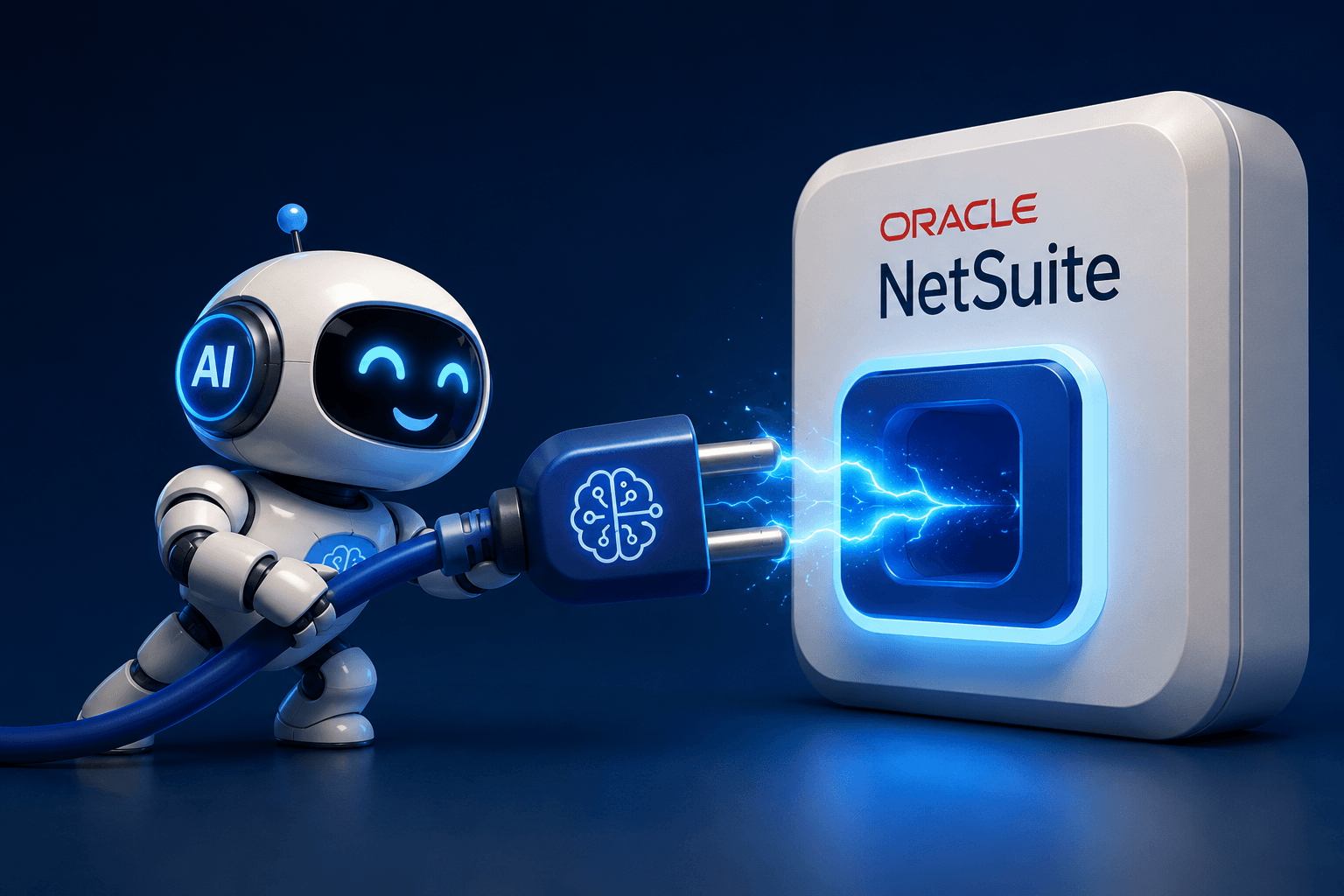
Artificial intelligence is quickly becoming a core part of modern business operations, and NetSuite users are beginning to explore how AI can streamline workflows, improve decision-making, and automate repetitive tasks.
One of the easiest ways to connect NetSuite with AI-powered platforms and external automation tools is through the MCP Standard Tools SuiteApp.
This SuiteApp enables secure integration between NetSuite and AI systems that support the Model Context Protocol (MCP), making it possible to interact with NetSuite data using intelligent assistants, workflows, and automation tools.
In this guide, we’ll walk through how to install and configure the MCP Standard Tools SuiteApp inside NetSuite.
What Is the MCP Standard Tools SuiteApp?
The MCP Standard Tools SuiteApp is designed to expose approved NetSuite functionality to AI-enabled systems in a secure and structured way.
Once installed, organizations can:
- Connect NetSuite to AI assistants
- Enable intelligent workflow automation
- Securely expose approved NetSuite actions and data
- Improve productivity through conversational AI tools
- Reduce manual navigation and repetitive tasks
This creates a bridge between NetSuite and modern AI platforms while maintaining administrative control and security.
Prerequisites Before Installation
Before installing the SuiteApp, make sure you have the following:
- NetSuite Administrator access
- Access to SuiteApp Marketplace
- SuiteCloud features enabled if required
- A sandbox environment for testing (recommended)
- Approval from your internal IT or security team
It’s also recommended to review your organization’s integration and access policies before enabling AI connectivity.
Step 1: Open the SuiteApp Marketplace
Log into NetSuite using an Administrator role.
From the main navigation menu:
Customization → SuiteBundler → Search & Install Bundles
Or, depending on your NetSuite version:
SuiteApps → Search & Install SuiteApps

Use the search bar to locate: MCP Standard Tools
Once located, open the SuiteApp details page.

Step 2: Review the SuiteApp Details
Before installation, review:
- Publisher information
- Supported NetSuite versions
- Permissions required
- Features included
- Installation notes
- Documentation links
This is an important step for validating compatibility with your environment.
Organizations with strict governance policies should also review any roles, permissions, and script deployments included in the package.

Step 3: Install the SuiteApp
Click the Install button.
NetSuite will begin deploying the SuiteApp into your account.
Depending on account size and environment complexity, installation may take several minutes.
During installation:
- NetSuite validates dependencies
- Scripts and records are deployed
- Permissions and components are configured
- Integration resources are registered
You can monitor installation progress from the SuiteApp installation status page.

Step 4: Configure Permissions and Access
After installation completes, review the permissions assigned to users and roles.
Best practices include:
- Restricting administrative access
- Granting least-privilege permissions
- Testing integrations in the sandbox first
- Limiting API access to approved users
You may also need to:
- Assign integration roles
- Configure token-based authentication
- Enable API permissions
- Review script deployments
This step is critical for maintaining security and governance.
Step 5: Connect Your AI Platform
Once the SuiteApp is installed and configured, connect your preferred AI or automation platform.
Depending on the platform, this may involve:
- Generating API credentials
- Creating authentication tokens
- Configuring endpoint URLs
- Mapping NetSuite permissions
- Testing connectivity
After the connection is established, AI tools can begin interacting with approved NetSuite data and actions.

Best Practices for AI Integrations in NetSuite
To ensure a successful deployment, follow these recommendations:
Start in Sandbox
Always validate integrations in a non-production environment first.
Limit Access
Only expose the records, actions, and workflows required for business operations.
Monitor Usage
Track API activity and integration logs regularly.
Establish Governance
Define clear policies around AI usage, approvals, and security.
Document Workflows
Maintain documentation for integration setup, authentication, and supported use cases.
Data Security
Before connecting AI agents or third-party AI tools to NetSuite through MCP or similar integration frameworks, organizations should review their IT, cybersecurity, and data governance policies. AI integrations may expose sensitive financial, operational, customer, or proprietary data, so it’s important to ensure proper authentication, access controls, data handling, and approval processes are in place. Always coordinate with your IT and security teams to confirm any AI-to-MCP connectivity complies with your organization’s security and compliance requirements.
Common Use Cases for MCP + NetSuite
Organizations are using MCP-powered integrations to:
- Retrieve NetSuite data through AI assistants
- Automate approval workflows
- Generate operational summaries
- Assist customer service teams
- Accelerate reporting and analytics
- Simplify employee interactions with ERP data
As AI platforms continue to evolve, these integrations can significantly reduce operational friction and improve employee productivity.
Troubleshooting Tips
If installation or connectivity issues occur:
- Verify SuiteCloud features are enabled
- Confirm user permissions
- Review script deployment statuses
- Check token-based authentication settings
- Validate firewall or IP restrictions
- Review NetSuite integration logs
Most installation issues are related to permissions, feature enablement, or authentication configuration.
Conclusion
The MCP Standard Tools SuiteApp provides a powerful foundation for connecting NetSuite with modern AI platforms and intelligent automation tools. With proper configuration and governance, businesses can safely extend NetSuite capabilities into conversational AI, workflow automation, and intelligent operational support. As AI adoption accelerates, integrations like MCP will become an increasingly valuable part of the modern ERP ecosystem. Installing the SuiteApp is the first step toward building a smarter, more connected NetSuite environment.
About Suite Answers That Work
Suite Answers That Work is a NetSuite Solutions Provider with 30+ years of combined experience. We specialize in NetSuite implementation, optimization, integration, rapid project recovery, rescue services, and custom development.
Every business is unique, but with 40+ NetSuite clients over the last six years, our consultants have likely seen your challenge or created a similar solution.
If you would like more information about NetSuite, ERP optimization, or AI-enabled business process improvement, contact us today.